 TIME
TIME


在C中发送短信验证码通常需要使用短信服务提供商的API。这些提供商通常会提供REST API或其他类型的接口,允许你发送短信。以下是一个简单的示例,展示如何使用C发送短信验证码。请注意,你需要替换代码中的占位符以匹配你的短信服务提供商的API和凭据。
你需要安装一个HTTP客户端库,如HttpClient,来发送HTTP请求,你可以通过NuGet包管理器来安装它。
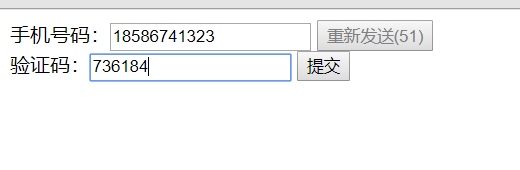
以下是一个简单的示例代码:
using System;
using System.Net.Http;
using System.Threading.Tasks;
public class SmsService
{
    private string apiUrl = "https://your-sms-provider-api-url"; // 替换为你的短信服务提供商的API URL
    private string apiKey = "your-api-key"; // 替换为你的API密钥
    public async Task SendSmsAsync(string phoneNumber, string code)
    {
        var client = new HttpClient();
        var content = new FormUrlEncodedContent(new[]
        {
            new KeyValuePair<string, string>("phone", phoneNumber),
            new KeyValuePair<string, string>("code", code),
            new KeyValuePair<string, string>("apikey", apiKey) // 根据你的API可能需要其他参数
        });
        try
        {
            var response = await client.PostAsync(apiUrl, content);
            if (response.IsSuccessStatusCode)
            {
                Console.WriteLine("短信验证码发送成功!");
            }
            else
            {
                Console.WriteLine("短信验证码发送失败,请检查你的网络连接或联系短信服务提供商。");
            }
        }
        catch (Exception ex)
        {
            Console.WriteLine("发生错误: " + ex.Message);
        }
    }
}
你可以这样使用上面的服务:
var smsService = new SmsService();
await smsService.SendSmsAsync("1234567890", "123456"); // 发送验证码"123456"到手机号"1234567890"
这只是一个基本的示例,你可能需要根据你的短信服务提供商的API和你的需求来调整代码,处理用户数据和发送短信时,请确保遵守所有相关的法律和规定。